Core Web Vitals explained: the numbers behind your speed score
Core Web Vitals are three measures Google uses to judge page experience: LCP, INP and CLS. What each means, the target to hit, and the quick fixes.
Author
Posted
Reading Time
In this article
Core Web Vitals are three measurements Google uses to judge how a page feels to use: Largest Contentful Paint (loading), Interaction to Next Paint (responsiveness) and Cumulative Layout Shift (visual stability). They form part of the page experience signals Google's ranking systems look at, and each has a clear target to hit.
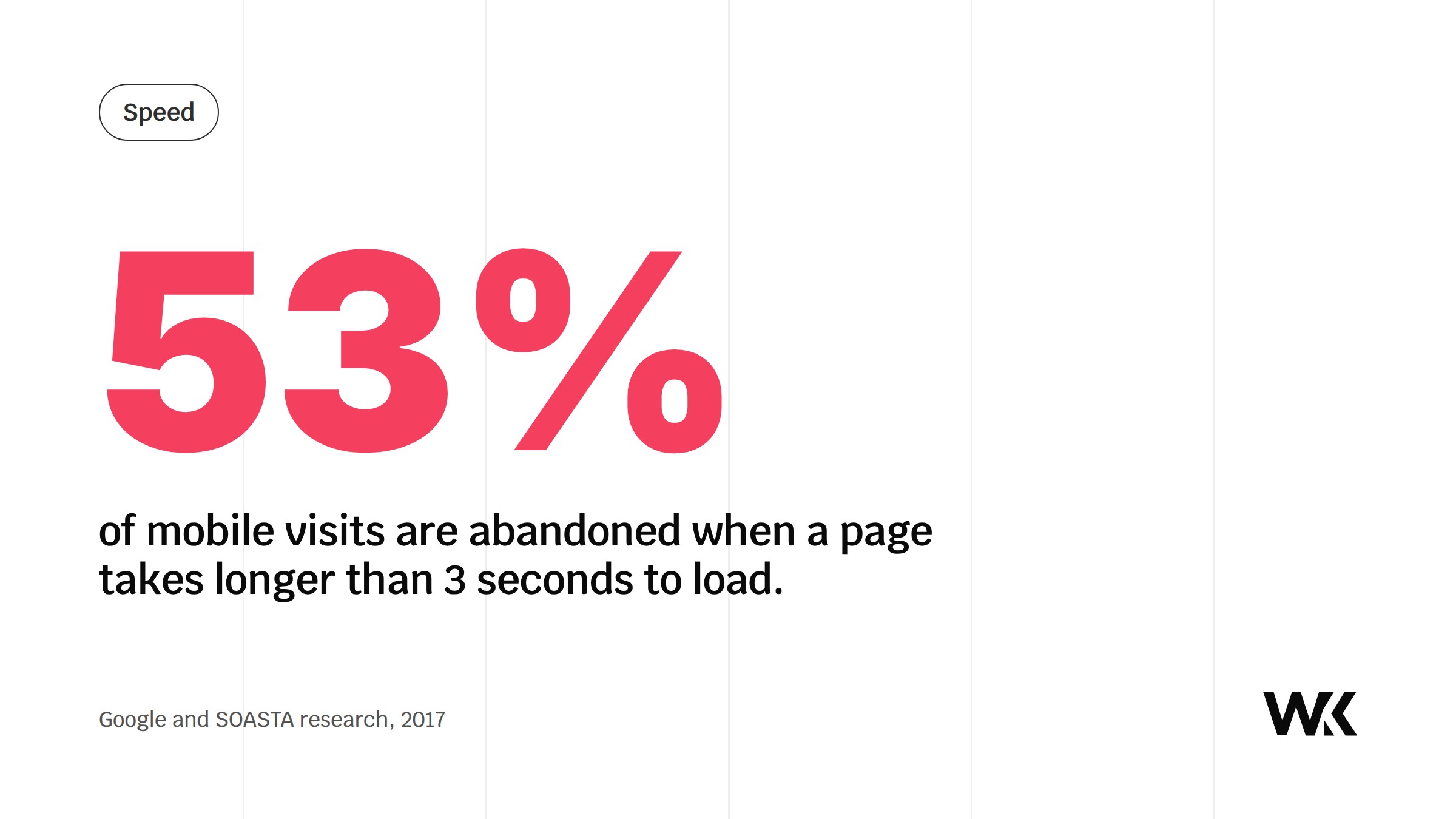
You know the feeling. You're in a queue, you pull up a website on your phone, and nothing happens. Within a few seconds you've hit the back button. Google's research with SOASTA found that 53% of mobile visits are abandoned if a page takes longer than three seconds to load (Think with Google, 2017). For a business, that back button is a customer reaching for your door and finding it jammed.
Speed isn't one number. Here's what Google actually measures, what each target is, and what to do about it.
What are the three Core Web Vitals?
Google lists three, each with a threshold for a "good" score that most visits should meet (Google Search Central).
Largest Contentful Paint (LCP): does the main content load quickly?
LCP measures how long the biggest thing on screen, usually your hero image or main block of text, takes to appear. Good is 2.5 seconds or less.
Quick win: switch your images to WebP. Google's own study found WebP files are 25 to 34% smaller than comparable JPEGs at the same quality (WebP compression study), so pages load faster without looking any different.
Interaction to Next Paint (INP): does the page respond when tapped?
INP measures how quickly the page reacts when someone taps a button, opens a menu or types in a field. Good is 200 milliseconds or less. A site that looks loaded but ignores a tap feels broken, and visitors quickly decide it is. INP replaced First Input Delay as a Core Web Vital in March 2024.
Quick win: audit your third-party scripts honestly. Do you need five tracking pixels, a chatbot nobody monitors and three font files loading at once? Every script you remove leaves the browser free to respond sooner.
Cumulative Layout Shift (CLS): does the page stay still?
Have you ever gone to tap a button, only for the page to jump so you hit something else? That's a layout shift. CLS scores it from 0 upwards, and good is 0.1 or less. Shifting pages cause accidental taps and quietly erode trust: if your site feels unstable, visitors assume your business is too.
Quick win: set the width and height of every image in your site's code. The browser then reserves the space before the image arrives, so the rest of the page stays still.
What are FCP and TBT, then?
A speed test, including our free health audit, also reports numbers that aren't Core Web Vitals but help explain them.
First Contentful Paint (FCP) is how long the first piece of content, a logo or a headline, takes to appear. Under 1.8 seconds is good. If the screen stays blank longer than that, visitors start to wonder whether the site is broken. Get text on screen early, rather than waiting on a large video background.
Total Blocking Time (TBT) is how long the browser is too busy running code to respond during loading. It's measured in a lab test rather than from real visitors, and it's the best lab stand-in for INP: cut TBT and INP usually improves with it.
Why do these numbers matter for the business?
Small gains add up. Deloitte's "Milliseconds Make Millions" study found that a 0.1 second improvement in mobile site speed lifted retail conversion rates by 8.4% (Deloitte, 2020). A healthy site isn't a technical box to tick. It removes friction between your customers and their decision to buy from you.
A 20-minute site health checklist
- Run a diagnostic. Use our free health audit to see your scores at a glance.
- Check your images. Drop your main images into Squoosh (free) and see how much file size you can save.
- Test on mobile data. Open your site on your phone using 4G or 5G, not office Wi-Fi, and ask honestly whether it feels quick.
- Review your upkeep. If your site hasn't been speed tested in six months, small inefficiencies have probably built up.
Want a site that scores well on all of these from day one? See how we build, or get in touch.
Tell us what you're building. We reply within a day.